
Playwright Monitoring. No silent flow failures.
A 200 OK doesn't mean your client can actually buy. Uptimeify replays real user journeys in headless Chromium (login, checkout, form) and alerts you before the end customer hits the broken flow.
Made and Hosted in the
European Union
GDPR-Compliant Hosting
in Germany
GEO-Redundant Replica
across the EU
The server's up. The checkout isn't.
A plain HTTP ping confirms the page responds, not that it works. JavaScript errors, broken forms and silent UI regressions still return their tidy 200 while your client's customer stalls at the cart. Playwright monitoring loads the app in a real headless Chromium browser and checks what matters: whether the journey completes.
- Real browser execution, so you catch the JS errors and UI regressions a ping never sees.
- Business-critical paths, so you validate multi-step signups, logins and checkouts, not just the homepage.
- expect assertions in your script, so you test page content and URL state against your own requirements, not against a status code.
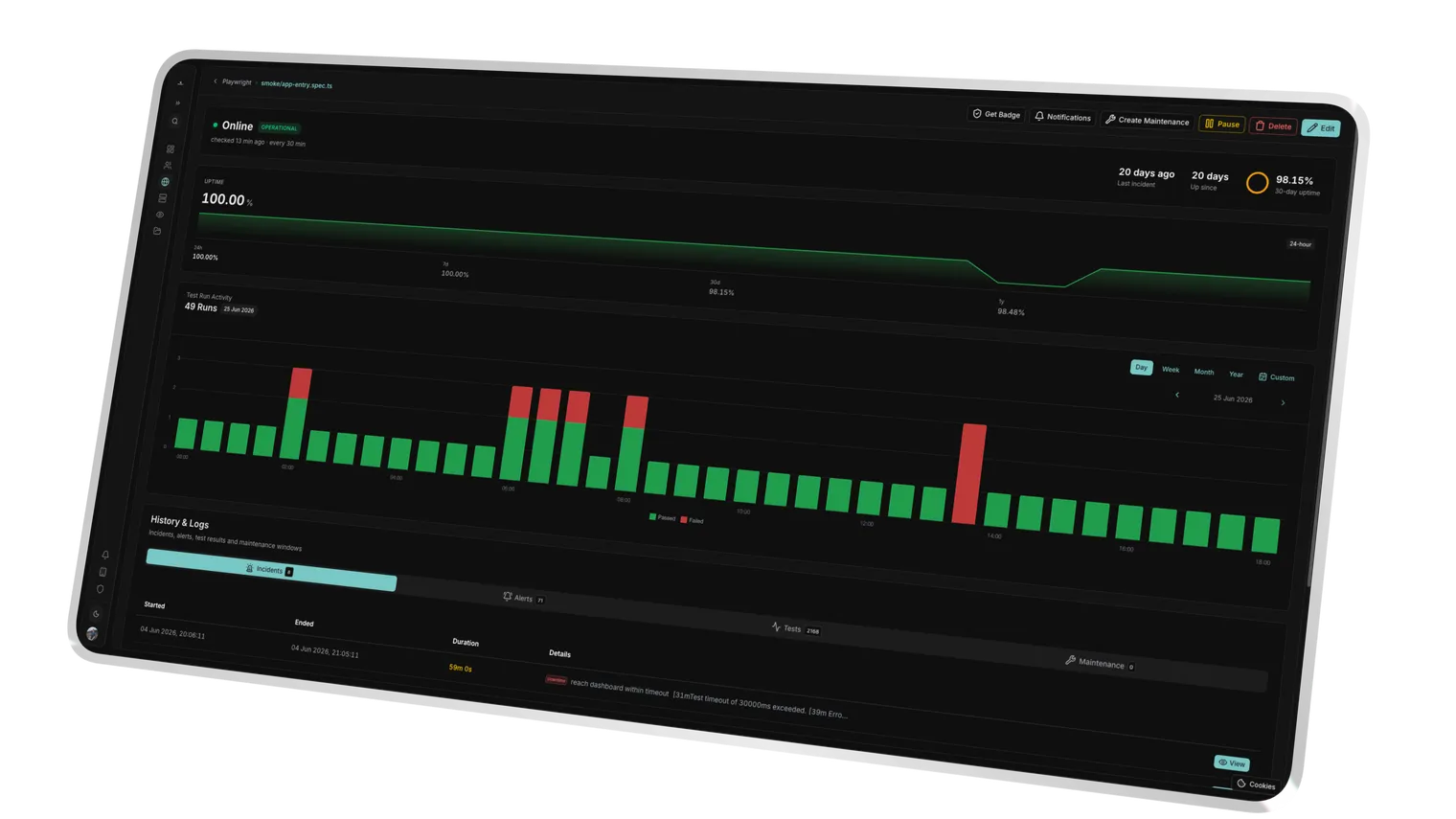
Your spec runs in a real Headless Chromium worker on the EU network, not a simulated client.
Web-first expect() checks verify page content, URL state and element visibility before a run passes.
Credentials don't belong in the script.
A login flow needs credentials, but hardcoded passwords in an automation script are a leak waiting for its moment. Uptimeify separates secret from code: you store sensitive values as encrypted variables, injected into the worker only at runtime. Your script references them via process.env. The plaintext shows up nowhere.
- Encrypted variables, so passwords and API keys sit encrypted at rest, not in plaintext in the script.
- Runtime injection, so you reach them via
process.env.KEYand your script stays portable and clean. - Masked diagnostics, so sensitive values stay hidden in the UI and never surface in logs or reports.
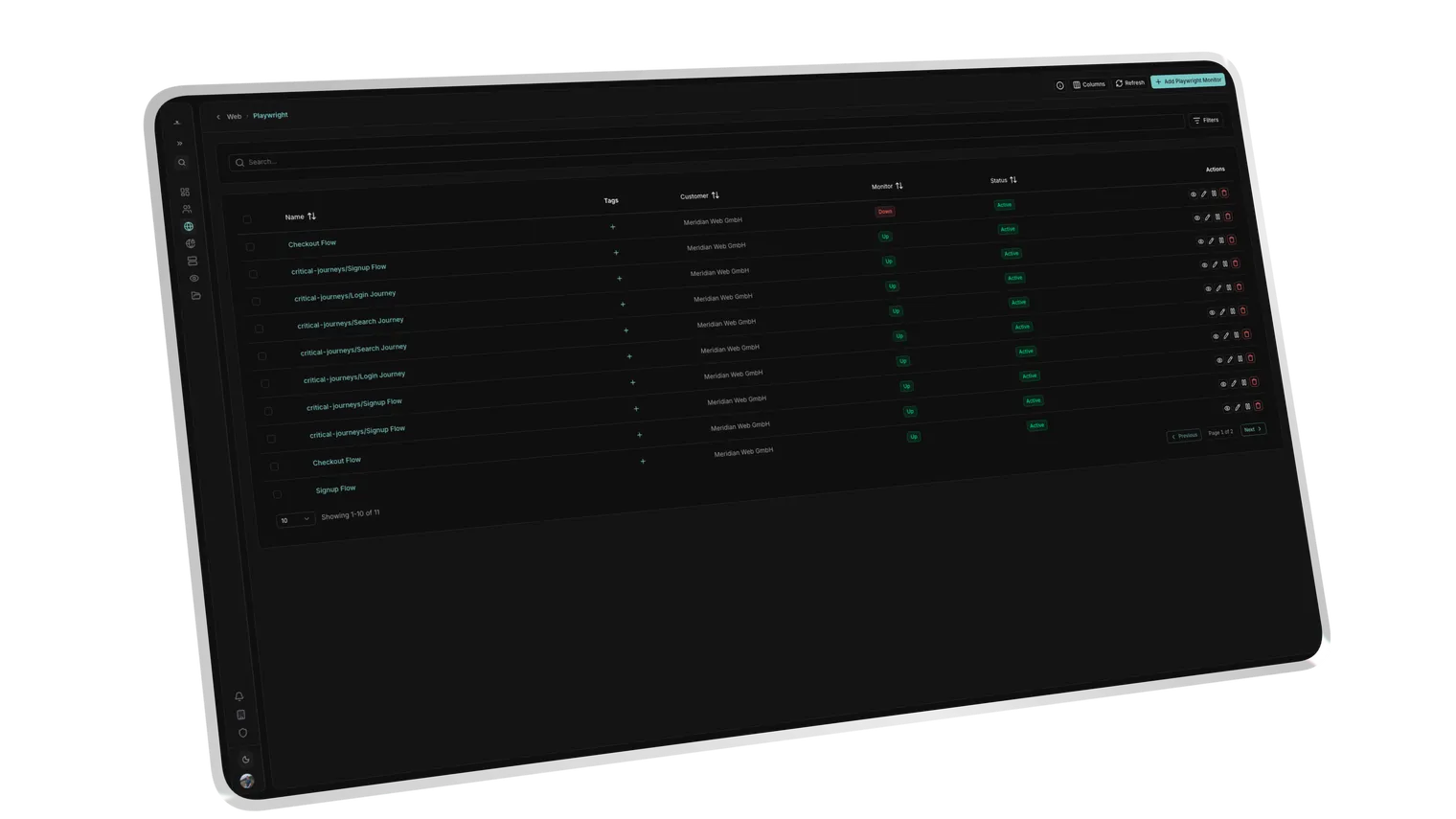
Secrets are stored encrypted at rest and never written into the script body.
Values are decrypted into the worker's process.env only at runtime, then discarded.
const pw = process.env.PASSWORDEach secret is bound to its monitor, with no cross-monitor or cross-customer access.
When the flow breaks, you know exactly where.
A failed test that only says "failed" costs you an hour of reproduction. Uptimeify freezes the moment of failure: the second an assertion fails or a timeout hits, the system captures the full context (screenshot, trace, exact line). You debug the UI regression instead of reconstructing it.
- Automatic screenshots, so you have the exact visual state at the moment of failure as evidence.
- Detailed trace logs, so you isolate the failed line instead of re-running the whole script.
- Stable selectors, so
data-testidlocators harden your tests against redesigns.
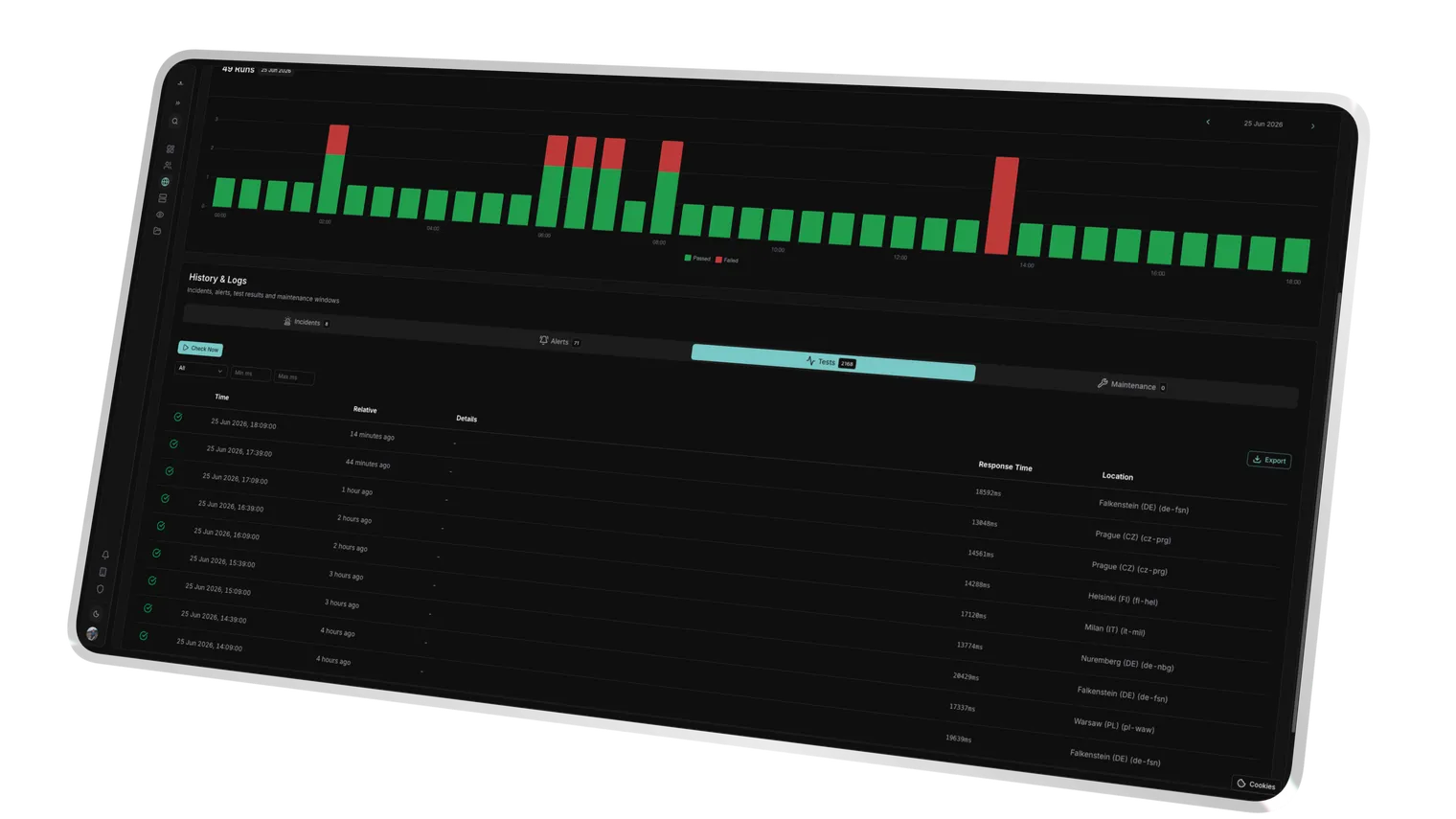
The exact visual state of the browser at the moment of failure is captured automatically.
Full error message and terminal output pinpoint the line where the script failed.
A failed assertion or a timeout both capture the full context before the incident opens.
Success Kit
We don't just monitor. We help you sell.
Every Uptimeify subscription includes access to our Success Kit, a collection of battle-tested resources to turn your monitoring into a profit center.
Service Level Agreement templates to define professional boundaries with your clients.
Find the sweet spot for your care plans. Calculate margins based on check frequency and support hours.
Powerpoint Templates that explain 24/7 monitoring to non-technical clients. Close more retainers.
Use automated reports to proactively communicate value, so clients never ask what they're paying for.
Ready to turn monitoring into a profit center?
Claim your Success Kit and start scaling today.
Frequently Asked Questions
Anything a real user runs through in the browser: logins, multi-step signups, checkout paths, form submits, search and filter flows. You write your script in Playwright syntax, navigate the pages, and confirm each target state with expect(), that the dashboard actually loads after login, for instance. So you monitor exactly the paths your revenue rides on.
You store sensitive values as encrypted variables, not in the script. They're injected into the worker only at runtime and reached via process.env, up to 50 per monitor. In the UI, logs and reports the values render masked. So you run a real test account through checkout without ever storing a password in plaintext.
The checks run from European monitoring nodes, anchored in Frankfurt, European infrastructure without US sub-processors. That keeps latency low for EU client sites and takes a third-country-transfer discussion off the table in B2B and public-sector pitches.
You set up to five retries per monitor and your own timeout (1,000 to 180,000 ms). Only when the run keeps failing after the retries does the status flip. That's how you separate a real outage from momentary flakiness and spare your client a false alarm.
Ready to catch broken flows before your client does?
Put the journeys your revenue rides on under real browser monitoring (login, checkout, form). Branded, from EU nodes, live in minutes.