
Status Pages on Your Own Domain & GDPR: What Agencies Should Know


A status page on your own domain is one of the strongest trust signals an agency can send: status.yourclient.com shows at any moment that everything's running — branded, professional, no third-party logo. But the moment that page is publicly reachable under your domain, it becomes a website like any other in data-protection terms. Custom-domain operation and GDPR therefore have to be thought through together — one without the other leaves a gap that your client's data protection officer will eventually find. This article explains, factually, how the custom domain works via CNAME, which data sits where, and what can be communicated cleanly.
The custom domain via CNAME: what happens technically
The visible difference between a strong and a weak status page is the address in the browser bar. Run the page under a generic provider URL and it looks outsourced; run it under status.yourclient.com and it's part of your — or your client's — brand. A single DNS record makes that possible: the CNAME.
A CNAME (Canonical Name) is a DNS record that points a subdomain to another address. In your domain's DNS, you declare that status.yourclient.com points to the target the monitoring platform gives you. From that moment the platform serves the content, but the visitor sees only your domain. The process is deliberately lean: pick a subdomain, create the CNAME, wait for propagation (usually minutes to a few hours), done.
At Uptimeify, status pages are built for exactly this: branded, on your own domain, either public or password-protected. The technical part is trivial. The part that deserves attention comes after: once the page is reachable under your domain, the same data-protection duties apply to it as to any other website you run.
What data a status page actually processes
To answer the GDPR question cleanly, you first have to separate which data is actually in play here. A status page processes two fundamentally different kinds — and only one of them is the usual pitfall.
The operational data is what the page displays: uptime figures, ongoing and past incidents, planned maintenance. That's technical status information about services — not personal data about your client's end users. This data is usually uncritical in privacy terms, because it identifies no one; it describes a server, not a person.
The visitor data arises only when the page is loaded. Whoever opens the status page leaves traces — as on any website: an IP address, server logs, possibly cookies. And here's the actual lever: everything you add on top comes with its own weight. An analytics script, an embedded font from an external server, a chat widget — each of these can trigger its own data processing, often into a third country. So the privacy-relevant part of a status page is rarely the status content, but what happens in the background on load.
Where the data sits — and why that shortens the argument
The second question after "which data" is "where." And here the choice of platform decides whether your data-protection statement is a short or a long text. Two locations count: where the displayed data is stored and where it is collected.
At Uptimeify, both sit in the EU. The platform is EU-hosted, so the uptime and incident data the status page serves is stored within the European legal area. And the collection of that data — the actual checks — runs exclusively from European locations: Nuremberg, Falkenstein, Zurich, Prague, Warsaw, Milan, and Helsinki. There is no checking node outside Europe through which the status data would arise.
For your GDPR argument that means a noticeable shortening. The most laborious part of any data-protection assessment is the third-country transfer — processing outside the EU. When storage and collection of the status data happen entirely in the EU, that transfer never arises for the core of the status page. A long hypothetical about standard contractual clauses and government access becomes a short, verifiable statement. The only remaining construction site is then whatever you add yourself — and that's in your hands.
What you should communicate cleanly
Legal certainty doesn't come from a tool — it comes from clear communication. Once your status page runs publicly under your domain, the same mandatory disclosures belong with it as on any reachable website — and three points deserve special attention.
Who is the controller? If the page runs under status.yourclient.com, it should be recognizable to the visitor who operates the page and is responsible for the data processing — the agency, the client, or in which role each. You settle that internally in the data-processing arrangement and make it transparent externally via the imprint and privacy policy.
Its own privacy policy. A publicly reachable status page processes visitor data through server logs at the latest, and therefore needs a privacy policy — reachable from the status page. If you display only operational data and embed no external scripts, that text is short. Which is exactly why it pays to keep the page lean.
Stay factual, don't guarantee. Communicate where the data is processed — "EU-hosted, collection exclusively from European locations" — as what it is: a verifiable fact. Avoid seal-style phrasing like "100% GDPR-compliant" or "legally watertight." Such claims age badly and don't hold up; the sober, factual statement is more credible and lasts longer.
Public or password-protected: a deliberate choice
One last point that touches both trust and privacy is the page's visibility. Uptimeify allows both modes — public or password-protected — and the choice should be made deliberately, per client.
A public status page is a transparency signal. Anyone can see the operational status, which radiates composure especially for services with many end users: showing a proactive public status during an incident reads as more composed than answering inquiries one by one. The price is that operational information is visible to everyone.
A password-protected page is the right call when the status information concerns only the client and their team — or when it allows conclusions about internal infrastructure that shouldn't be public. In privacy terms, access protection also narrows the visitor circle to authorized people. Which mode fits is a trade-off between transparency and confidentiality — and you make it best per client, not across the board.
In the end, a status page on your own domain isn't a pure design matter. It's a trust instrument that only carries fully when the privacy question doesn't stay open. Think the custom domain, the processing location, and the communication through together, and you get both: the strong brand signal and the calm, factual answer to the question that comes sooner or later.
Frequently asked questions
How do I set up a status page on my own domain?
Through a CNAME record in your domain's DNS. You pick a subdomain — commonly status.yourclient.com or status.youragency.com — and create a CNAME for it pointing to the target the platform gives you. Once the record propagates, the branded status page runs under your domain instead of a third-party provider address. At Uptimeify, status pages are built for exactly this custom-domain operation — branded, public or password-protected.
What data does a public status page process?
Two kinds. First, the operational data shown — uptime, incidents, maintenance notices; that's technical status information, not personal data about end users. Second, the data of the visitors who open the page: server logs, IP address, and anything you add yourself (say analytics scripts). The privacy-relevant part is usually not the status content but what happens in the background on load — and what you voluntarily add.
Does a status page need its own privacy policy?
Once the page is publicly reachable under your domain and processes visitor data (server logs already count), a privacy policy belongs with it — like any other website under your domain. If the page runs on status.yourclient.com, it should be clear who the controller is and where the data is processed. This isn't a status-page special case, it's the normal duty of any reachable page — it's just easily overlooked here.
Where does my status page data sit with Uptimeify?
In the EU. The platform is EU-hosted, and the uptime data the status page shows comes from checks run exclusively from European locations — Nuremberg, Falkenstein, Zurich, Prague, Warsaw, Milan, and Helsinki. For you that means both the storage and the collection of the status data stay within the European legal area, which considerably simplifies the data-protection classification toward your client.
Should I run the status page public or password-protected?
It depends on the purpose. A public page creates transparency and trust — anyone can see the operational status, which signals composure especially for client-facing services. A password-protected page fits when the status information is meant only for the client and their team, or allows conclusions about internal infrastructure. Uptimeify supports both, so you can decide per client.

Co-Founder of Uptimeify, responsible for all of marketing. He bridges technical development and marketing strategy — from Java, PHP and Shopware plugins to steering digital growth strategies. A certified UX Manager (IHK) and digital-marketing advisor to three non-profit organizations.
More from the blog
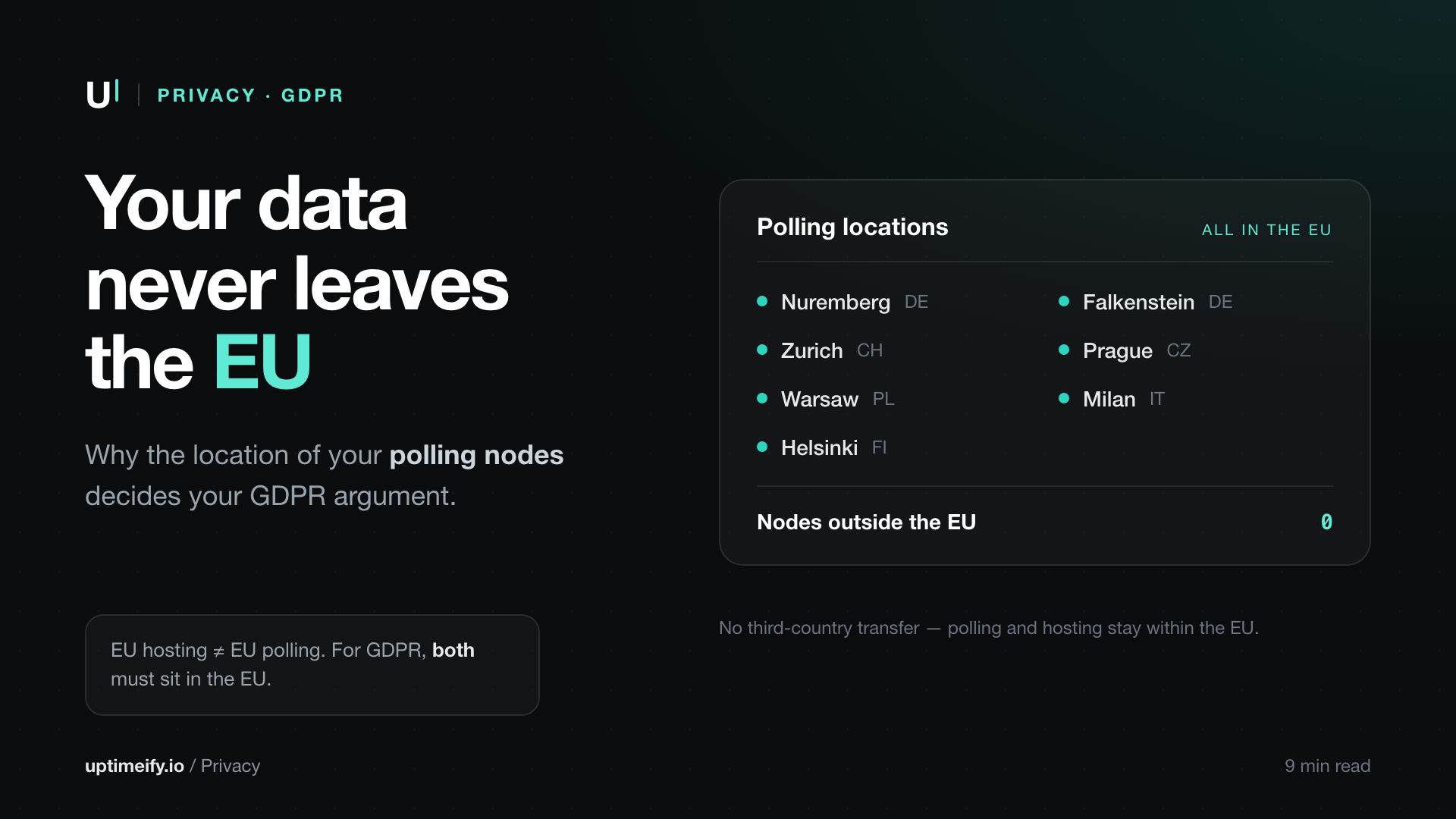
Monitoring Data in the EU: Why the Location of Your Polling Nodes Matters
Why EU polling and EU hosting simplify the GDPR case you make to your clients — and what the location of your monitoring nodes has to do with it.
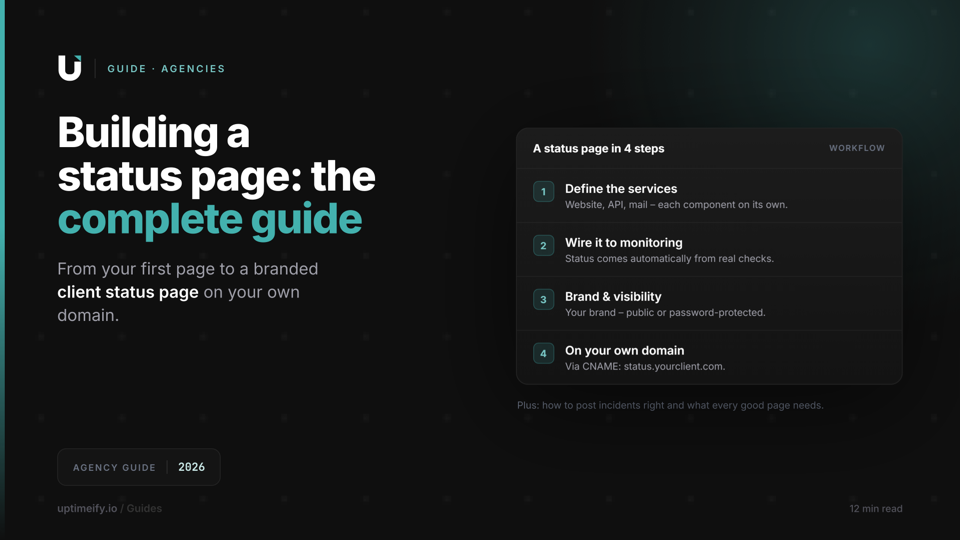
How to Create a Status Page: The Complete Guide for Agencies (2026)
From your first status page to a branded client status page: what to communicate, how to post incidents, and how to run a status page on your own domain.
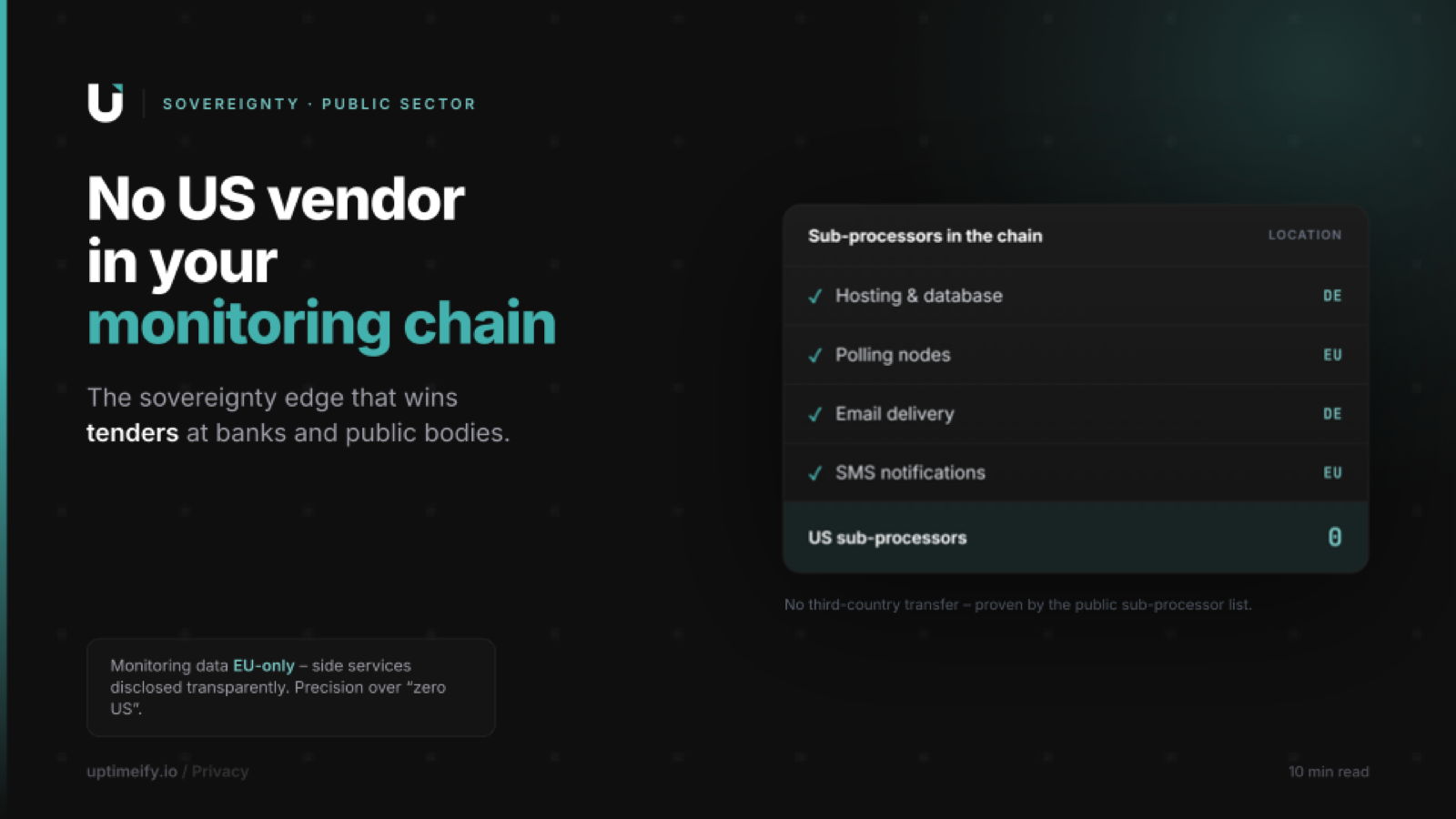
Monitoring Without US Sub-Processors: The Advantage in B2B and Public-Sector Pitches
Why monitoring with no US sub-processor in the data chain is a verifiable advantage in bank and public-sector pitches — with a pitch playbook for regulated MSPs.